
TradingView
Professional charts and analysis tools online. Connect globally and trade with greater insight.
Start Charting Now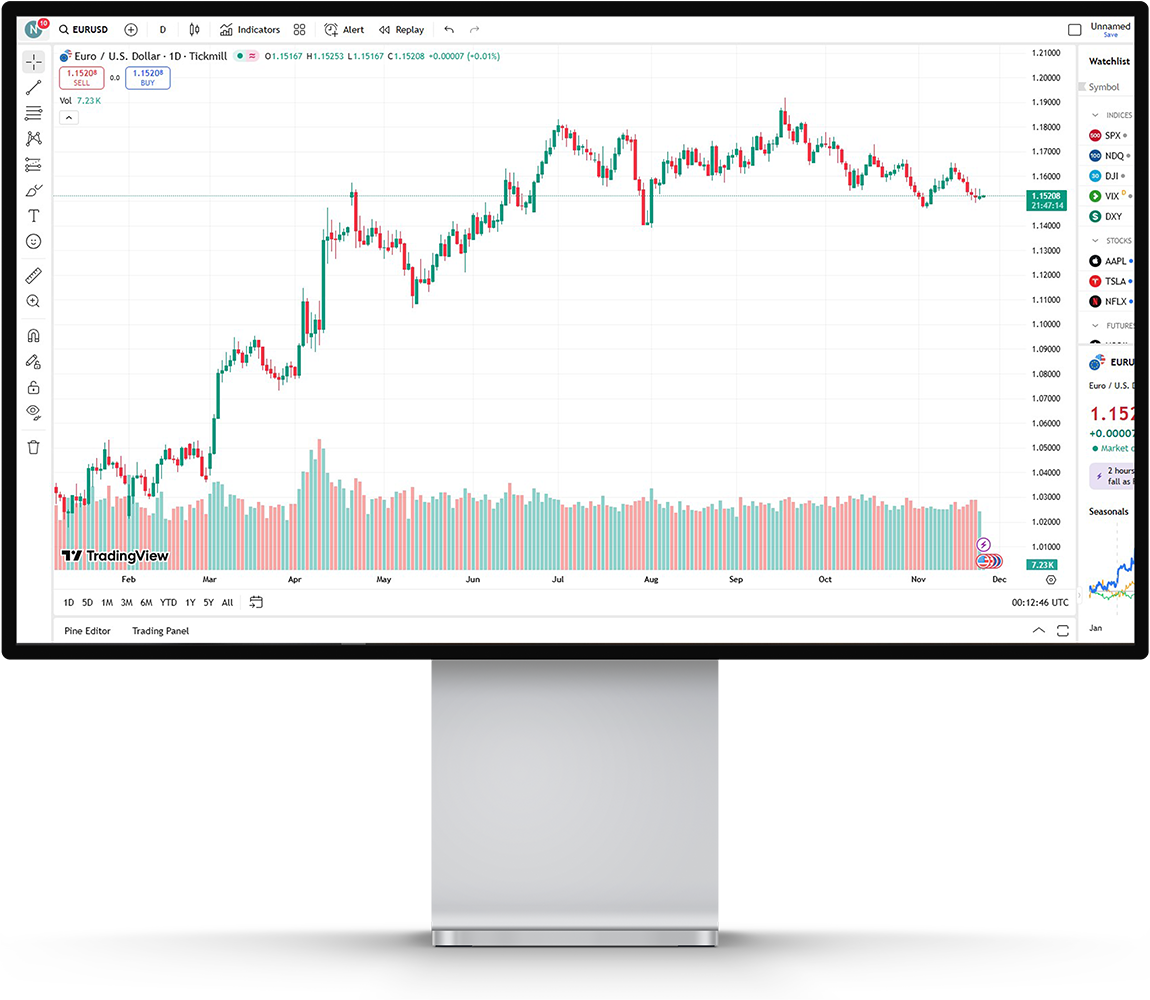
Advanced charting and analysis
TradingView delivers professional charting and technical analysis tools straight from your browser. No installation needed—access institutional-quality charts, indicators, and drawing tools from any internet-connected device.
Social trading and community
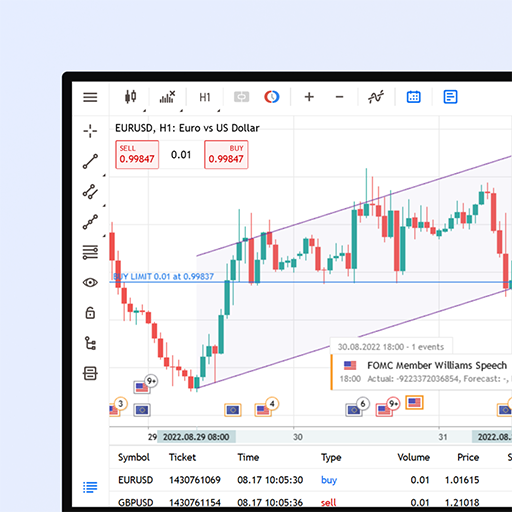
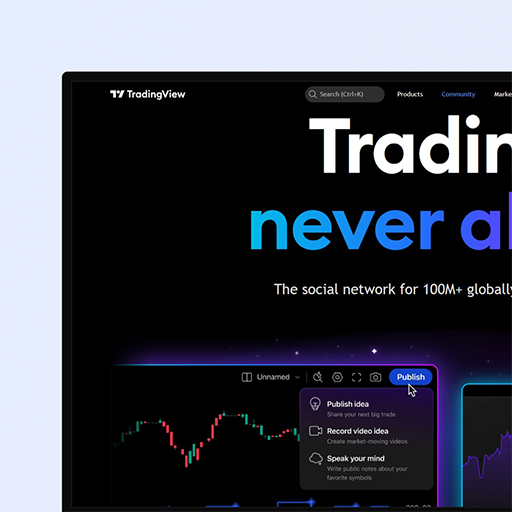
Join a global community of millions of traders on TradingView. Publish your ideas, follow leading analysts, uncover market insights, and learn from peers. Access live market data, custom indicators, and strategies shared by experienced traders.
Whether you focus on forex, stocks, cryptocurrencies, or commodities, TradingView offers broad market coverage and powerful analytical tools to support informed decisions from anywhere in the world.
TradingView Features
Professional Charting
Community Trading
Technical Indicators
Broad Market Coverage
Why Choose TradingView
Professional charting and analysis with instant access from any device, anywhere in the world.
Professional Charts
Work with advanced charting featuring multiple timeframes, chart styles, and drawing tools for deep technical analysis.
Start Charting- 01.
Market Insights
Explore trading ideas, market commentary, and expert perspectives from a global community of traders.
Get Started- 02.
Custom Indicators
Build custom indicators with Pine Script or choose from thousands of community-built indicators and strategies.
Learn More- 03.
Cross-Platform Access
Use TradingView on any browser-enabled device—Windows, Mac, Linux, tablets, or smartphones—with no installation required.
Try Now- 04.
Frequently Asked Questions
Answers to the most common questions about TradingView and its charting capabilities.
What is TradingView?
TradingView is a web-based charting and social trading platform offering advanced technical analysis, real-time market data, and a community of millions of traders. Analyze markets, build custom indicators, share ideas, and follow expert analysts—all from your browser with no downloads required.
Do I need to download anything to use TradingView?
No—TradingView is entirely web-based and requires no downloads or installations. Open it in your browser (Chrome, Firefox, Safari, or Edge) and start charting immediately. You only need an internet connection and a modern browser.
What charting features are available on TradingView?
TradingView offers professional charting with multiple chart types (candlestick, line, bar, area), hundreds of technical indicators, drawing tools, flexible timeframes, Pine Script custom indicators, price alerts, and real-time market data. You can also save and share chart layouts and analysis.
Can I use TradingView on any device?
Yes—TradingView works on any device with a modern browser and internet connection, including Windows, Mac, and Linux computers, as well as tablets and smartphones. Access your charts and analysis from anywhere with an internet connection.
What markets can I analyze on TradingView?
TradingView covers forex pairs, stocks, cryptocurrencies, commodities, indices, bonds, and futures. Analyze multiple markets and instruments in one platform with real-time data and advanced charting tools.
Can I create custom indicators on TradingView?
Yes—TradingView lets you build custom technical indicators and strategies using Pine Script, a purpose-built language for technical analysis. You can also browse and apply thousands of community-created indicators and strategies.
Have Questions? Get in touch!
Our support team is here to assist with any questions about TradingView, charting tools, technical analysis, or how to begin your trading journey.
Contact usFollow Strategies from Proven Traders.
Build your portfolio by mirroring established strategies and unlocking greater long-term potential.